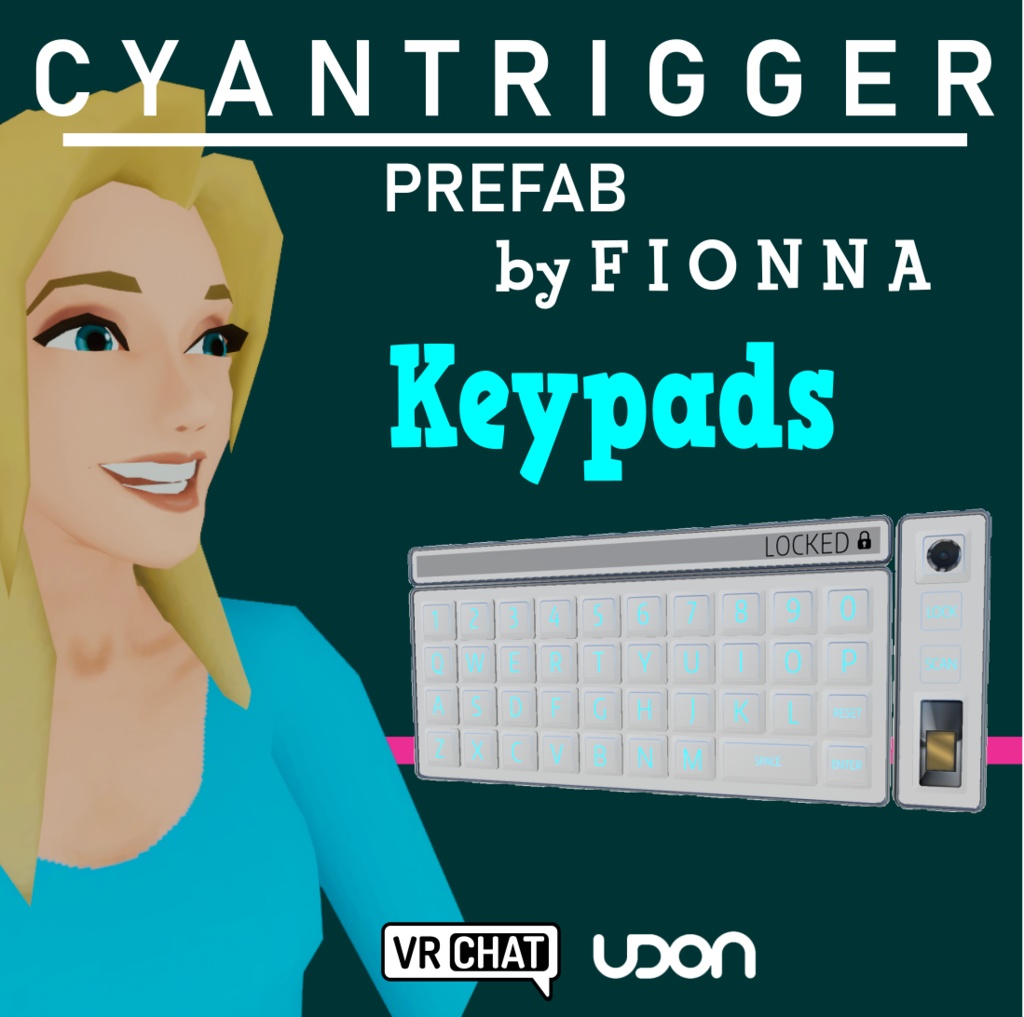
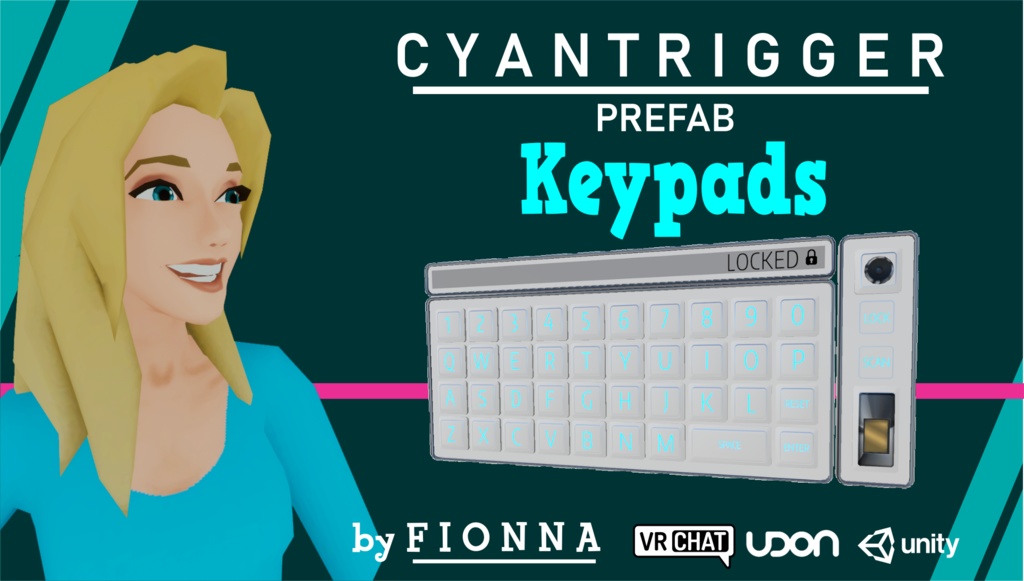
Fionna's CyanTrigger Keypads
- ダウンロード商品¥ 0無料ダウンロードFionna_CyanTrigger_Keypads_v0.1.zip(75.8 MB)Fionna_CyanTrigger_Keypads_v0.1.zip
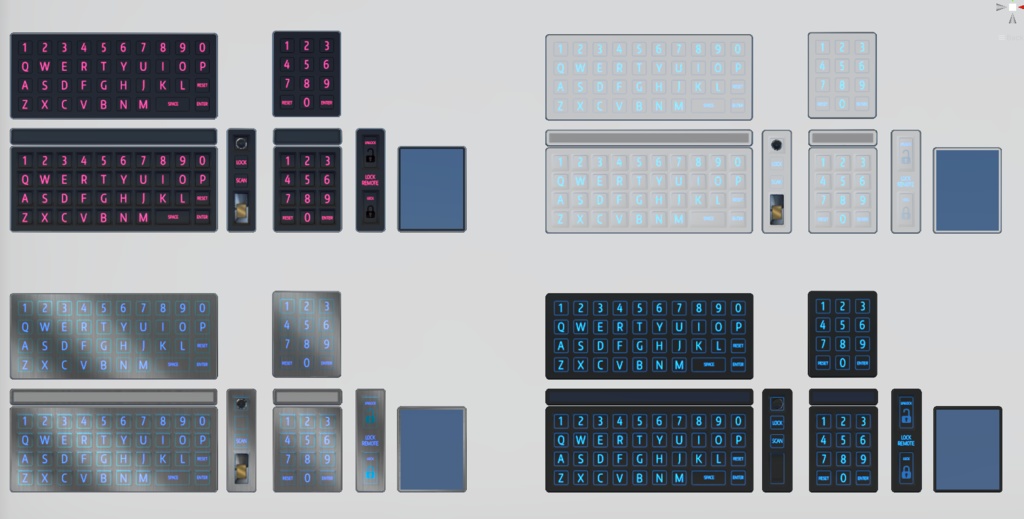
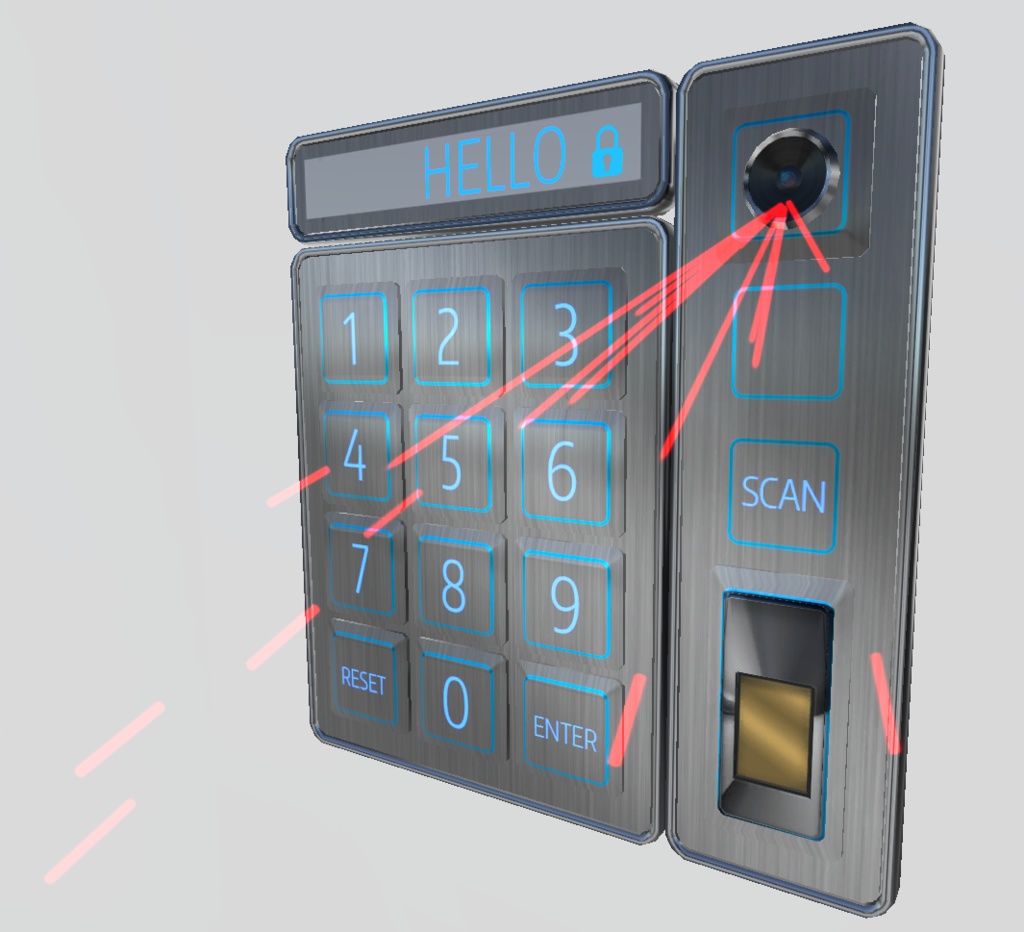
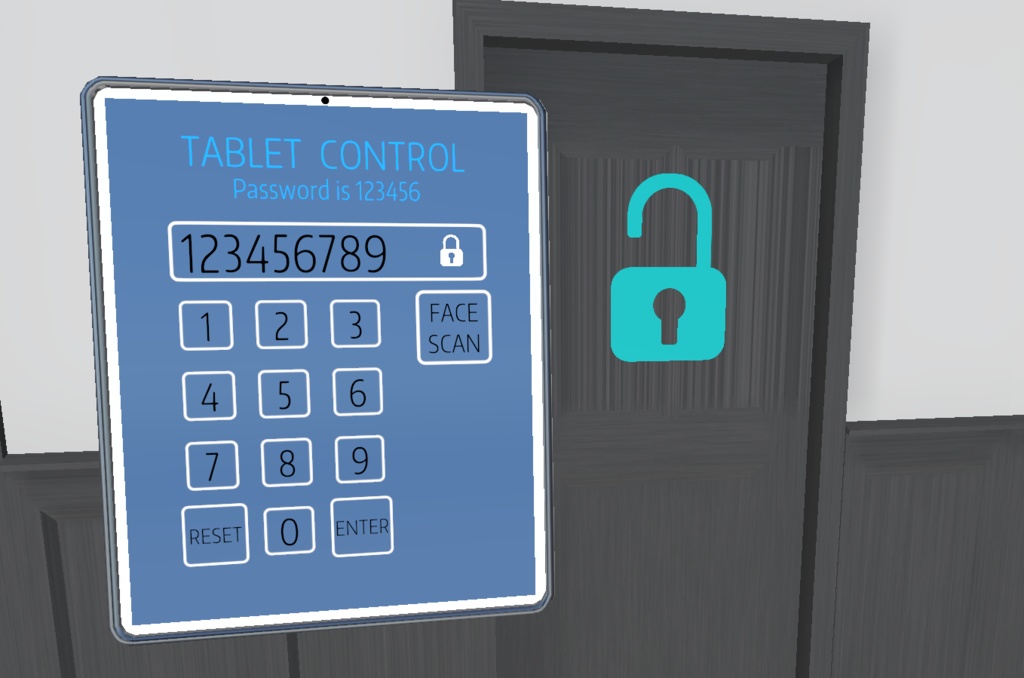
This system allows for keypads for a variety of use cases: - Puzzle worlds - VIP access with whitelist, no need for code - Event management - Private rooms with remote lockout Features: - Alpha or numeric keypads - Any length passcode - Synced (with late joiner support) or local options - Programmable per-instance - If instance owner programs the keypad, program function lockout - Lock/unlock remote - Whitelist "scanner" ----------------------- IN GAME USE ----------------------- Players simply type in the password and hit Enter. - If the password is correct, the "Unlock actions" will occur and the display will show an unlocked message. - If the password is incorrect, the display will clear and an incorrect sound will play. Programming a new code: - Once unlocked, press Reset and then Enter, to program a new code. (Pressing Enter when the input field is empty and the keypad is unlocked will always enter programming mode if the user has programming permission.) - Once the new code is entered, press Enter to save the code. - The instance owner can always reprogram the code. If they do so, the keypad will not be able to be re-programmed by anyone else. - If there is a scanner, the person pressing the Scan button will be "scanned" and checked against the whitelist. - The Lock button on the scanner or remote will re-lock the keypad. Options can be set for private rooms. - You can substitute your own models, textures, etc. The photoshop file for the textures is included.
Requirements:
Download the latest VRChat SDK: https://vrchat.com/home/download Download CyanTriggers v 0.4.2 or higher: https://cyanlaser.booth.pm/items/3194594 https://patreon.com/CyanLaser
License
This file is released under Creative Commons CC BY 4.0 https://creativecommons.org/licenses/by/4.0/ You may copy, distribute, adapt, and use this material for any purpose, with attribution: Fionna#5639 Disord, @jendaviswilson on Twitter